 Made for meals out.
Less “where?”
More “see you there.”
Good food. A good deal. Your favourite people.
Let’s make a plan.
Find your kind of place.
Explore restaurants, browse menus and see what each dine-in offer includes.
Make the table yours.
Choose a dining time and party size. Review the offer, reservation fee and cancellation terms.
Arrive. Settle in. Enjoy.
Your booking pass and updates stay in the app. Show your pass when you arrive.
Follow your
appetite.
A slice to share. A little spice.
Something sweet to finish.

One more slice?
There’s always room at this table.
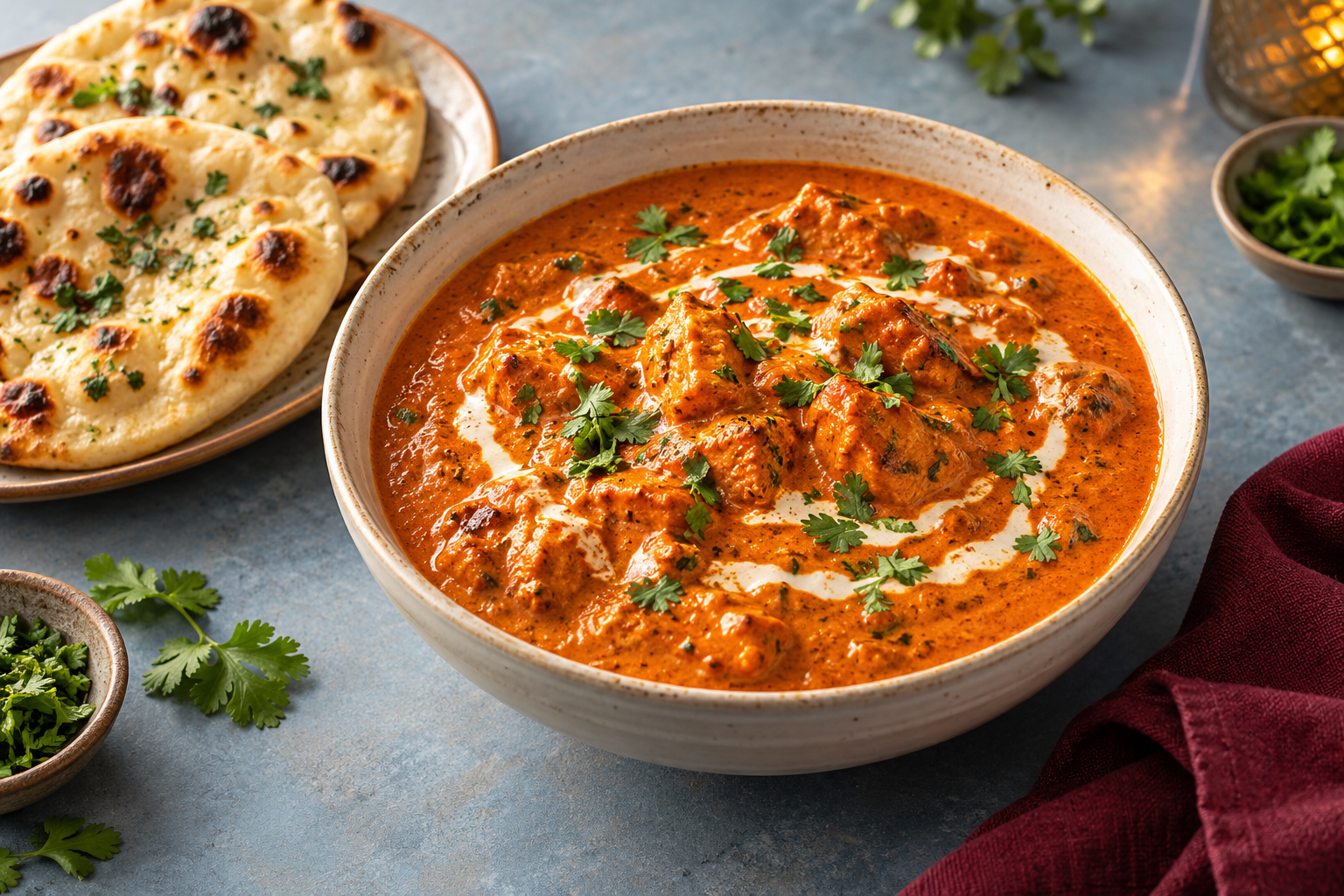
Turn up the flavour.
A little spice. A great night out.

Save room for sweet.
The best plans don’t end early.
Explore sample menus and offers in our preview. Food imagery is illustrative.
The best part?
Who’s coming.
A weeknight catch-up. A long-overdue date. An ordinary evening made a little better.
Choose an offer that fits your plans, bring your people, and keep the details of your table in one place.
Find your next table A better reason to go out.
Dineover Partner
Great tables.
Your terms.
Make quieter sittings worth showing up for.
Choose the offers you want to share and the tables you want to fill. Keep your team in step, from reservation to arrival.
- Set offers, sittings and guest limits.
- See reservations and booking updates.
- Check guests in with their booking pass.
 Good evenings start
with a warm welcome.
Good food brings us out.
Good company
keeps us there.
Make time for the table.

Can I make a real reservation today?
The public diner and partner sites currently use sample data. You can test the experience, but a preview reservation does not reserve a real restaurant table and no payment is taken.
Is Dineover for dining in?
Yes. Dineover is built around tables at restaurants. Each offer explains its discount, exclusions, available times, party sizes and reservation terms.
What does the discount cover?
The restaurant’s offer tells you what is included. Read the offer and locked booking terms; drinks, alcohol, certain menu items, taxes or service charges may be excluded.
Where do I find my booking?
Bookings and booking updates live inside the app. Your pass contains the reference and code the restaurant uses at check-in.
Can I download the iPhone or Android app?
Store releases are being prepared. For now, use the web previews. We’ll add download links when the separate Dineover and Dineover Partner apps are available.
How can I get help?
Email support@dineover.com. Include a booking reference if you have one. Never send passwords, card details or identity documents by email.
Good plans.
Always with you.
Dineover for iPhone and Android.
Our apps are coming soon to the App Store and Google Play. Explore the web preview while we prepare for launch.
Make tonight
a little more
memorable.
Put the group chat into action.
Find a table worth getting together for.
Try the preview. Sample restaurants.
No real bookings or payments.
 See you at the table.